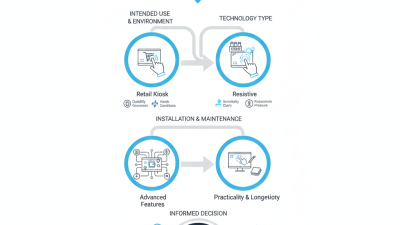
How to Choose the Right Touch Display Panel for Your Needs?
Choosing the right Touch Display Panel can be a daunting task. With countless options available, understanding your specific needs is crucial. As Jane Smith, a recognized industry expert, notes, “The right touch display can transform user engagement.”
When selecting a Touch Display Panel, consider the environment where it will be used. Factors like ambient light, durability, and interactivity must be assessed. For instance, a bright, outdoor setting may require a panel with high luminosity. Each application demands a unique solution, and this variety can lead to confusion.
It's also essential to reflect on technological advancements. Today’s market offers both resistive and capacitive touchscreens, each with distinct advantages. Some users may prefer the tactile feedback of resistive panels, while others value the responsiveness of capacitive options. Evaluating these details may lead to clearer choices. Remember, the ideal Touch Display Panel enhances interaction, but the perfect match varies widely among individuals and applications.
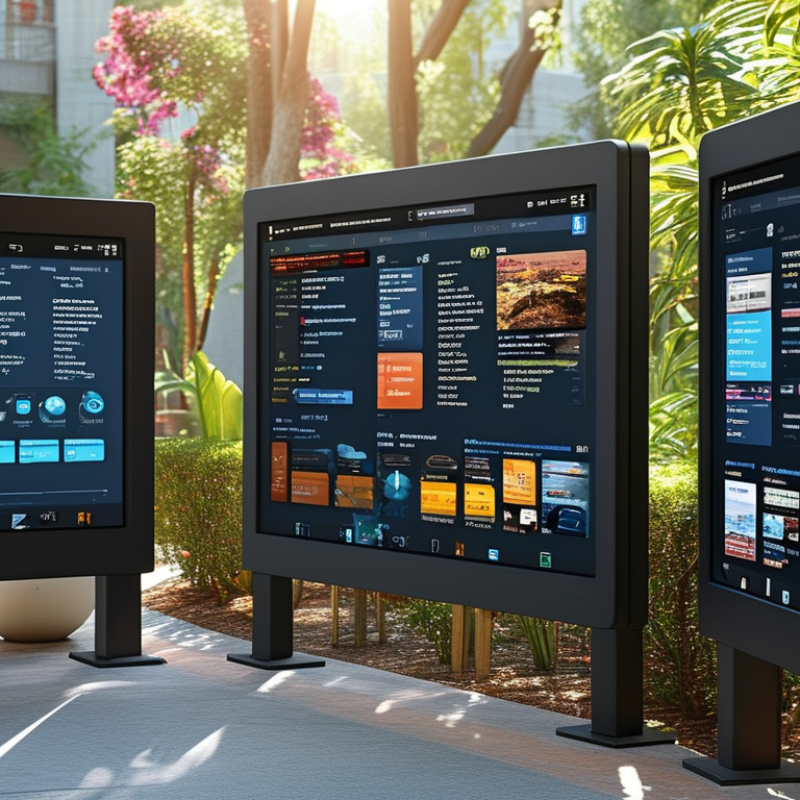
Understanding Different Types of Touch Display Panels Available
When selecting a touch display panel, understanding the different types available is crucial.
Capacitive,
resistive, and
optical are the most common technologies.
Capacitive panels, favored for smartphones and tablets,
offer high durability and touch sensitivity. In 2022, the global market for capacitive touchscreens reached about
$30 billion, driven by consumer demand. Their ability to support multi-touch is a significant advantage.
Resistive panels, on the other hand, are often used in industrial applications due to their robustness.
They work by detecting pressure rather than touch. Their market share was around 20% in 2022,
highlighting their reliability in harsh environments. However, these panels are less responsive than capacitive ones,
which can be a drawback in fast-paced settings.
Optical touch displays are emerging with unique advantages.
They use cameras to detect touch and can provide larger display sizes.
Reports indicate that this segment is expected to grow significantly, with a projected CAGR of 15%
over the next five years. While they offer versatility, optical panels may struggle in bright light conditions.
This trade-off helps highlight the importance of evaluating the environment in which the panel will be used.
Evaluating Key Features: Resolution, Size, and Touch Sensitivity
When selecting a touch display panel, evaluating key features is vital. Resolution, size, and touch sensitivity significantly affect user experience. Research indicates that 72% of users prefer high-resolution displays for clarity and detail. A resolution of 1920x1080 or higher is now the standard for many applications. This specification enhances the viewing experience, especially in environments where detail is necessary.
Size is another crucial factor. For instance, a larger screen may facilitate collaboration and interactions. Reports show that displays between 10 to 15 inches are optimal for personal devices, while sizes above 20 inches are favored in professional settings. Users need to consider how the size correlates to their intended use. A large display can create challenges with mobility and space.
Touch sensitivity is equally essential. Panels with high sensitivity offer smoother interactions. According to industry studies, touch sensitivity can affect response times by up to 30%. However, some panels may respond better than others under various conditions, like light or temperature. Users often need to test touch responsiveness before deciding. The interplay of resolution, size, and sensitivity is complex and requires careful consideration.
Assessing Compatibility with Existing Systems and Devices
When selecting a touch display panel, compatibility is crucial. Ensure it works smoothly with your existing systems. Investigate what interfaces your devices support, such as HDMI, USB, or VGA. Check if the drivers are readily available. You don’t want to end up with a panel that’s difficult to integrate.
Consider your project's specific needs. A kiosk might require different features than a control panel. Think about screen resolution and size. If it doesn’t fit the existing layout, you may face installation issues. Understand your environment, too. Factors like lighting can affect touch performance.
Compatibility isn’t always straightforward. Sometimes, even a minor overlooked detail can lead to performance problems. Test the panel in a real-world scenario if possible. If practical trials aren’t feasible, read user reviews and case studies. This will offer insights into experiences others have had. A thoughtful approach to compatibility will save time and resources in the long run.
Exploring Use Cases: Industrial, Retail, and Consumer Applications
When choosing the right touch display panel, application context is crucial. In industrial settings, durability and resistance to harsh conditions stand out. Research by MarketsandMarkets indicates that the global industrial touchscreen market is expected to reach $12.4 billion by 2025. This growth signifies rising demand for robustness and functionality.
In retail, user experience is vital. Touch displays enhance customer interaction. According to a study from Statista, 70% of retail customers prefer touchscreen kiosks for information retrieval. Consider seamless integration with existing systems. Opt for responsive screens that can handle high traffic without lag.
In consumer applications, aesthetics and portability are key factors. Consumers favor sleek designs for personal devices. Touch panels are often ergonomic and intuitive, enhancing usability. Sales data shows that sales of touchscreen devices have surged by 30% annually.
Tip: Assess the environment where the display will be used. Factors like moisture, dust, and lighting can affect performance. Prioritize versatility and adaptability to different scenarios. Test displays in real-world situations for best results. Consider future scalability to meet evolving user demands.
Budget Considerations: Costs and Value for Your Requirements
When considering a touch display panel, budget is a critical factor. Different panels vary widely in cost. It’s essential to weigh quality against price. A cheaper option might save initial costs, but could lack durability. For instance, a low-quality screen may fail sooner, costing more in replacements.
Assess your requirements carefully. Do you need it for a retail interface or a rugged outdoor application? Each use case will influence your budget. An outdoor panel may need an extra protective layer. This can elevate the price, yet it may be worth the investment in the long run.
Moreover, consider the features you need. Touch responsiveness, resolution, and screen size matter greatly. High-resolution displays often come at a premium. However, don’t rush into the decision. Reflect on the expected lifespan of the device. A higher initial cost could lead to long-term savings. What seems economical now may not be in the future. It’s wise to gather all of this information before making a final choice.
Budget Considerations for Touch Display Panels