How to Choose the Best Display Touch Panel for Your Needs?
Choosing the right Display Touch Panel is crucial for numerous applications, from smartphones to industrial machinery. According to a report by Research and Markets, the global touch panel market is projected to grow from $25 billion in 2023 to over $45 billion by 2028. This growth highlights the increasing reliance on touch interfaces across various sectors. Selecting the best option can be complex, given the myriad of technologies and specifications.
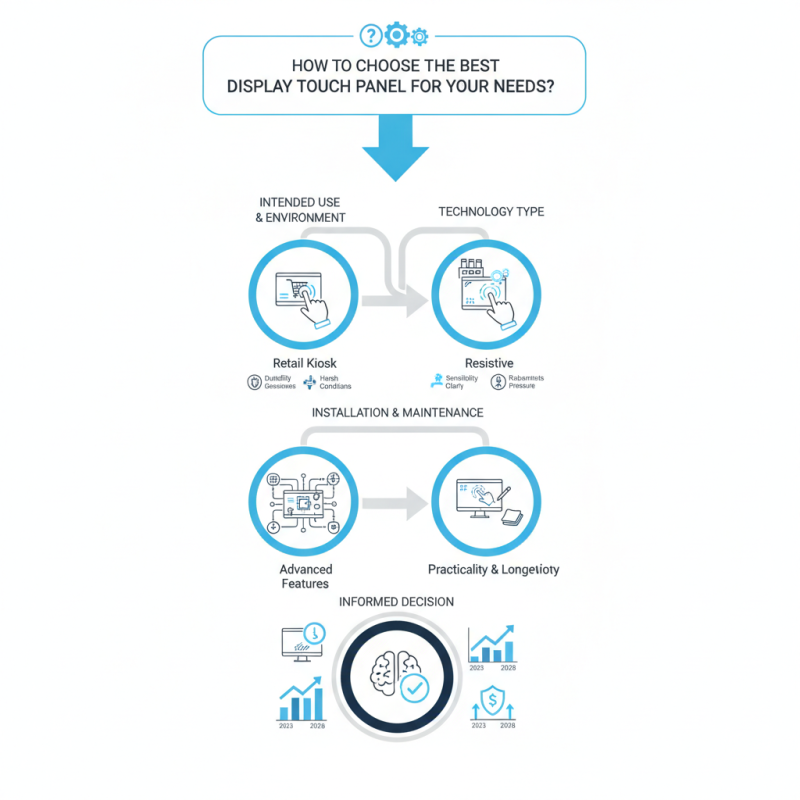
When evaluating Display Touch Panels, consider the intended use and environment. For example, a panel for a retail kiosk must endure heavy use and offer responsiveness. The technology type—such as capacitive or resistive—plays a significant role in user experience. A study by MarketsandMarkets suggests that capacitive panels dominate the market due to their enhanced sensitivity and clarity. However, resistive panels might be preferable in harsh conditions.
It's essential to reflect on not just the features, but also the installation and maintenance aspects. Panels with advanced features may require more intricate setups and servicing. While the allure of high-tech options is strong, balancing this with practicality ensures better longevity and performance. Consider your specific needs carefully to make a well-informed decision in this evolving market.
Understanding the Different Types of Display Touch Panels Available
When selecting a display touch panel, understanding the various types is crucial. Major categories include resistive, capacitive, and optical touch panels. Resistive panels often cost less and work well with styluses or gloves. They are suitable for industrial applications where durability is key. According to industry reports, resistive panels account for about 30% of the market due to their affordability.
Capacitive touch panels are widely preferred for consumer electronics. They offer superior sensitivity and multi-touch capabilities. Recent statistics show that capacitive technology contributes to over 60% of the global touch panel market. These panels typically provide a better user experience but can be more expensive. They may not respond accurately to styluses unless specially designed.
Optical touch panels are emerging in interactive displays. They utilize camera-based technology for touch detection. This type enables larger screens and is often found in kiosks and public displays. However, they can be affected by environmental conditions, such as dust or glare. As the market evolves, the choice of touch panel should align with specific usage contexts and performance needs. Being aware of these factors can improve decision-making significantly.
How to Choose the Best Display Touch Panel for Your Needs?
| Type of Touch Panel |
Technology |
Pros |
Cons |
Typical Applications |
| Resistive Touch Panel |
Resistive |
Cost-effective, Works with any stylus or finger |
Lower durability, Limited multi-touch capabilities |
Industrial applications, POS systems |
| Capacitive Touch Panel |
Capacitive |
High durability, Supports multi-touch |
More expensive, Only works with bare fingers |
Smartphones, Tablets, High-end displays |
| Optical Touch Panel |
Optical |
High visibility, No wear-and-tear |
Sensitive to ambient light, Can be more complex |
Interactive kiosks, Large display systems |
| Infrared Touch Panel |
Infrared |
Robust, Works with any object |
Can be affected by dust/obstructions |
Large interactive displays, Conferencing systems |
| Surface Acoustic Wave |
Acoustic |
Excellent image clarity, Supports multi-touch |
Sensitive to dirt and liquids |
Touchscreen kiosks, Large information displays |
Evaluating Key Features for Your Touch Panel Needs
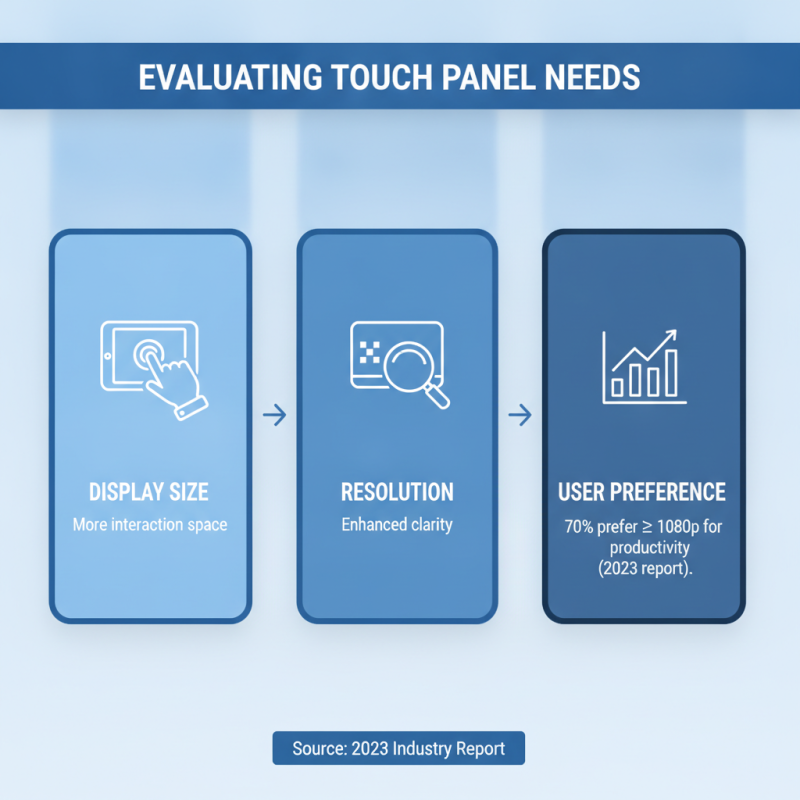
When selecting a display touch panel, evaluating key features is crucial. The display size significantly influences user experience. A larger screen offers more space for interaction. Consider the resolution as well. Higher pixel density enhances clarity, making it easier to read small text and view detailed images. According to a 2023 industry report, nearly 70% of users prefer displays with at least 1920x1080 resolution for productivity tasks.
Touch sensitivity also matters. Capacitive screens tend to register touch more accurately than resistive ones. This accuracy contributes to better user satisfaction. However, environments play a role. In outdoor settings, a screen with high brightness and anti-glare properties becomes essential. Research indicates that displays used in bright environments should have brightness levels above 600 nits to remain readable.
Tip: Always evaluate the environment where the touch panel will be used. This can significantly affect your decision. Another tip is to test different sensitivity levels. What feels responsive to one user may not work for another. Human interaction varies widely, so it's worth exploring options before making a choice. Always gather feedback from potential users to make the most informed choice.
Assessing Compatibility with Existing Systems and Devices
When selecting a touch panel, compatibility with existing systems is crucial. Start by assessing your current hardware. Ensure that the touch panel integrates seamlessly with your devices. Consider factors like connection types and supported protocols. Without proper compatibility, you risk performance issues.
Evaluate the software you plan to use with the touch panel. Check for supported drivers and operating systems. This step often reveals potential hassles. Test compatibility through simulations or prototypes when possible. Real-world testing can uncover hidden challenges, providing insights into usability.
Think about user experience. A touch panel that works with your system is not enough; it must also meet user needs. Gather feedback from potential users during the evaluation process. Their input can identify flaws and desired features early on. Additionally, stay updated on emerging technologies that could enhance compatibility in the future. Being proactive in this area can prevent future headaches.
Determining Environmental Conditions for Suitable Panel Selection
When choosing a display touch panel, environmental conditions play a crucial role.
Consider factors like humidity, temperature, and
sunlight exposure. For instance, a panel used in a factory setting may need to withstand
dust and extreme temperatures. A screen in an outdoor cafe should resist UV rays and be viewable in bright sunlight.
Another factor is the physical space where the panel will be installed. Is it indoors or outdoors? Will it be mounted vertically
or horizontally? Each setup influences panel selection. Take a moment to reflect on these aspects before making a decision.
A panel that dazzles in a showroom might fail in a practical setting.
Durability is essential, but not all panels are created equal.
Waterproofing and rugged designs matter, especially in demanding environments. Think about where you will use the panel daily.
Is it accessible to potential damage? Finding the right balance between functionality
and appearance is vital.
Budget Considerations and Long-Term Value of Touch Panels
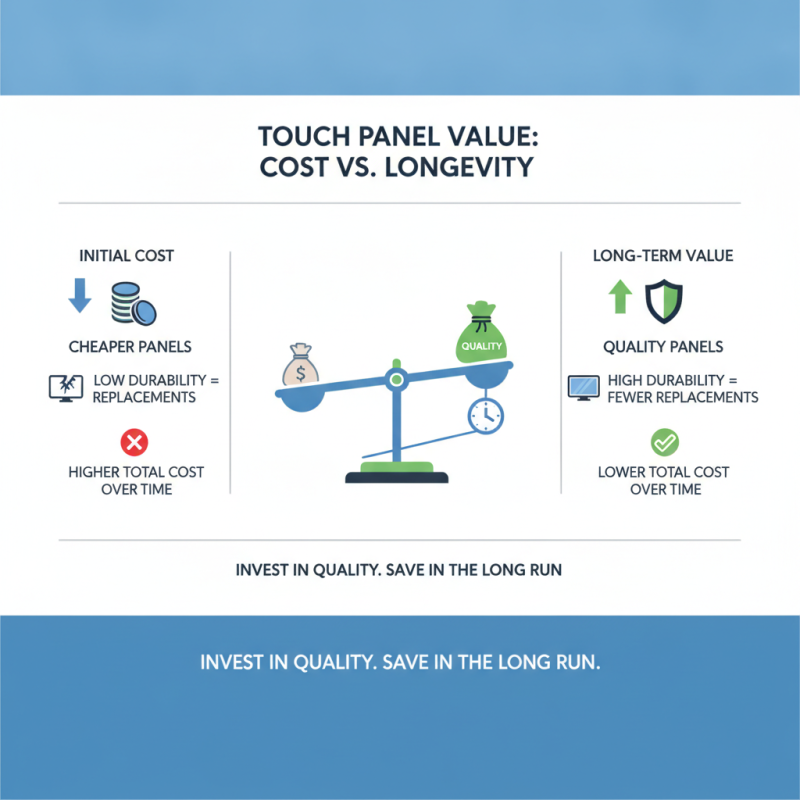
When selecting a display touch panel, budget considerations play a pivotal role. The initial cost is often enticing but can obscure long-term value. Cheaper panels may save money upfront, yet they often lack durability. Over time, these panels can incur higher replacement costs. Investing in quality may seem daunting, yet it can yield savings in the long run.
Consider the lifespan of your chosen panel. Touch panels can wear out due to frequent use. A well-made panel offers resilience against physical wear, ensuring functionality for years. Maintenance costs can accumulate for low-quality options. Reflect on how often the panel will be used. Heavier usage requires a more robust solution.
Tips: Research different materials and technologies to understand their impact on longevity. Evaluate warranties, as they reflect the manufacturer’s confidence in their product. Always calculate the total cost of ownership over the panel's expected life. If unsure, seek advice from industry experts.