Leave Your Message

Name*

Phone number*

Email Address*

Country*

Message*

Annual Quantity*

Application*

2026 Best Touch OLED Displays for Buyers

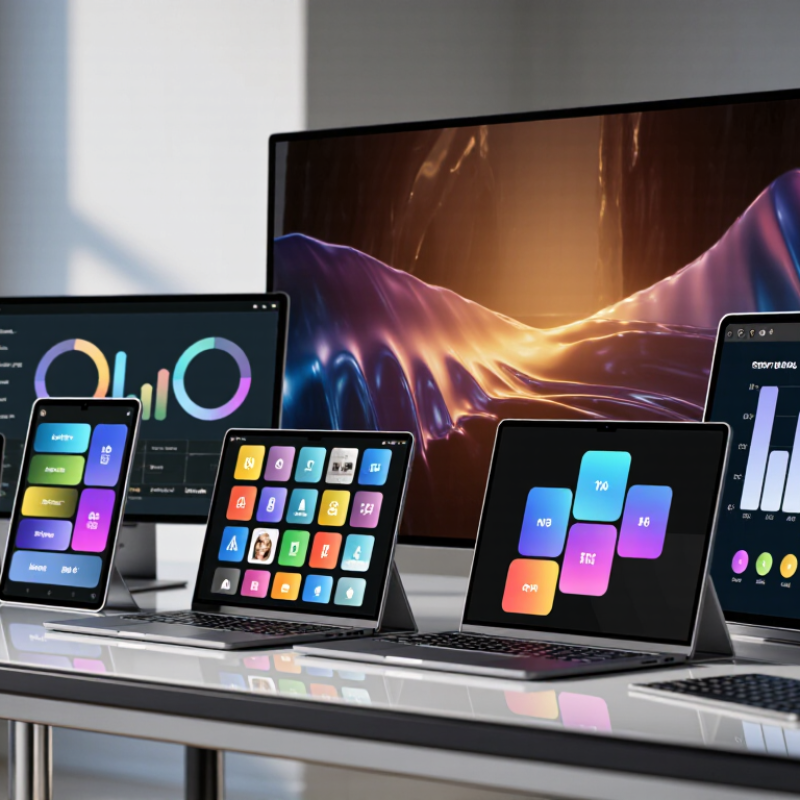
Touch OLED Displays have moved beyond premium phones. Buyers now encounter them in tablets, laptops, portable monitors, and vehicle interfaces. Yet “OLED” alone does not tell you whether a screen suits your work. A bright shop display may look vivid under showroom lights, but daily use also depends on text clarity, touch response, reflections, power draw, and panel durability.

Industry reports offer useful context, though not a ready-made buying answer. Omdia’s OLED Display Market Tracker follows panel shipments and market trends, while DSCC’s Quarterly OLED Shipment and Fab Utilization Report tracks shipments and manufacturing activity. These sources help explain availability and product cycles; they do not independently verify every retail specification. DSCC co-founder Ross Young’s market analysis regularly highlights the importance of OLED supply and production capacity. For buyers, that is a practical reminder: a promising panel matters only if it appears in a well-tested device at a sensible price.

Small details count. Try a dark interface in a bright room. Scroll a long page, then inspect fine text at normal viewing distance. Check whether the touch layer feels precise near the screen edges. No panel wins every time. OLED contrast can be striking, but reflections, brightness behavior, and long-term wear still deserve scrutiny. This guide compares leading 2026 options by measurable specifications, hands-on usability, and buyer fit. Some comparisons remain imperfect: manufacturers do not always publish directly comparable test data. We will call out those gaps rather than pretend every number tells the whole story.
2026 Best Touch OLED Displays for Buyers

How Touch OLED Displays Work

An OLED touch display combines two jobs: producing an image and detecting where a finger lands. Unlike LCDs, OLED pixels create their own light, so the panel does not need a separate backlight. Tiny red, green, and blue subpixels vary their output to form colors. A black pixel can simply remain unlit.

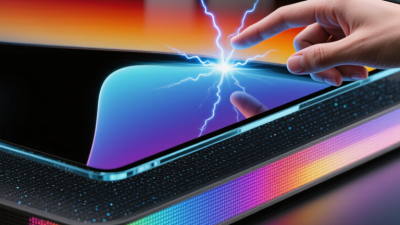
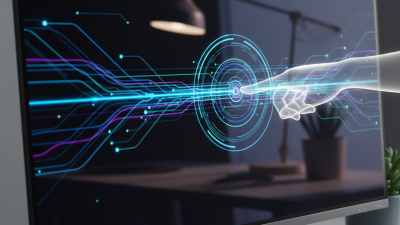
Touch sensing usually relies on projected capacitive technology. A fine grid of electrodes sits above or within the display stack. When a finger approaches, it changes the local electrical field. The touch controller scans the grid, measures that change, and estimates the contact point.

Fast updates make taps and swipes feel immediate. The controller then sends coordinates to the device’s operating system.

The physical layers vary. Some designs place the sensor on the OLED panel; others integrate sensing elements more closely to reduce thickness. Cover glass protects the surface, while adhesives help bond the layers and limit reflections. That explanation is tidy; real assemblies are less so. Glass thickness, moisture, gloves, and electrical noise can affect sensitivity. A well-designed controller compensates for many small variations, but no touch surface is perfect. When comparing displays, buyers should consider responsiveness alongside brightness, resolution, and intended use.
Types of Touch OLED Displays Available in 2026

Touch OLED displays combine self-lit pixels with a surface that responds to touch. Buyers will commonly encounter three designs: on-cell, in-cell, and add-on touch. The difference is where the touch-sensing layer sits. It can affect thickness, clarity, repair options, and how the panel fits into a finished device.

On-cell touch places sensing elements on the OLED layer, often beneath protective glass. It can support a slim front panel and responsive taps, making it useful for phones, handheld instruments, and compact control screens. In-cell touch integrates sensing into the display structure. This can reduce layers and reflections, though performance depends on the panel design and controller. Ask for measured touch latency and brightness with the full cover glass installed. Those details matter.

Add-on touch uses a separate sensor layer attached above the OLED. It may suit larger monitors or projects that need a particular touch technology, but extra layers can affect weight and optical clarity. Flexible OLED touch panels are another option for curved or foldable products. They need careful mechanical testing; a smooth sample does not prove long-term durability. Check edge response, glove operation, surface hardness, and performance after repeated bends. Specs help, but real testing is better. I would not choose by resolution alone.

Key Specifications Buyers Should Compare

When comparing touch OLED displays, start with screen size, resolution, and pixel density. A 13-inch panel may look sharp on a desk, yet text can feel cramped if the interface is dense. Check the viewing distance you expect, then compare brightness in nits under realistic room lighting. Peak brightness is not always sustained brightness. Ask for measurements taken after the display has warmed up.

Touch performance deserves its own check. Capacitive sensing should register a light tap without repeated presses, while palm rejection matters for handwriting. Test with a fingertip and stylus if both are part of your workflow. Note the number of simultaneous touch points, response time, and any visible delay between a stroke and its appearance. Small delays can be surprisingly distracting. I would not judge touch quality from a short showroom demo alone.

For image quality, compare color coverage, refresh rate, and uniformity across the panel. OLED contrast can make dark scenes look rich, but inspect a near-black image for uneven patches. Also check connector types, power draw, heat, and the controls required for brightness adjustment. These details are easy to overlook. Ask how the display handles prolonged static elements, such as toolbars, and review the stated operating conditions. Specifications help narrow the choice, but a hands-on test may reveal an awkward interface or a stand that wobbles slightly.

How to Match a Display to Your Device and Use Case

A touch OLED should fit the device before it impresses on a specification sheet. Measure the visible area, bezel, mounting points, and available space for the display connector. Then check how people will use it. A handheld controller needs comfortable reach across the screen; a fixed panel may prioritize clear viewing from several angles. Start with the actual interface, not just the diagonal size.

Resolution affects more than sharpness. Small labels and thin lines need enough pixels to remain legible at normal viewing distance. Capacitive touch can feel responsive with a bare finger, but wet hands, gloves, or a protective cover may change performance. Check the touch controller’s compatibility and test the intended cover glass. OLED panels offer strong contrast, though brightness, power use, and image retention depend on the panel and operating conditions. Specs vary.

Consider where the device will operate. Bright windows call for a display that remains readable in glare; a dim control room may need low, adjustable brightness. Confirm connector type, voltage, driver support, and operating temperature before ordering samples. Then test real screens with the actual enclosure and interface. A neat spec sheet can still mislead. One detail is easy to miss: a finger may obscure a small button even when the display looks crisp. Recheck the layout after hands-on testing.

2026 Best Touch OLED Displays for Buyers: Match Pixel Density to Your Device

Pixel density is calculated from each example display’s diagonal size and resolution. Higher PPI can make text and fine details appear sharper at close viewing distances; screen size, brightness, power use, touch performance, and viewing distance should also factor into your choice. These are example configurations, not brand or product rankings.

How to Evaluate the Best Options for Different Needs

For 2026 buyers, the best touch OLED is the one that fits the work, not the one with the longest feature list. Omdia’s 2024 display-market outlook forecast roughly 1.2 billion OLED panel shipments, reflecting broad adoption across devices. That figure measures market volume, not screen quality. Compare the panel’s size and resolution with your actual tasks: fine text needs crisp edges, while drawing benefits from a surface that feels controlled under a stylus.

Check the details you can test. Drag a finger across the screen, then try the same gesture with dry hands. Watch for missed taps near the corners. For desk use, compare brightness in your room, not only in a dark showroom. OLED contrast can make dark scenes look rich, but reflections may still obscure them. Short sessions can hide glare. Longer ones won’t.

For portable work, weigh screen quality against battery life, weight, and hinge stability. A bright OLED may be lovely, yet impractical on a long commute. For shared displays, prioritize viewing angles and a touch surface that cleans easily. Read independent measurements for brightness, color accuracy, and response time; manufacturer figures may use different test conditions. One limitation remains: touch feel is personal, and published measurements cannot fully capture it. Try before buying when possible.

2026 Best Touch OLED Displays for Buyers — How to Evaluate the Best Options for Different Needs
Display Type Best Suited For Typical OLED Characteristics Touch and Connection Checks Key Advantages Trade-Offs to Consider What to Evaluate Before Buying
Portable touch OLED monitor Travel, presentations, secondary-screen use, and compact creative workstations. Usually a slim, portable screen; available sizes, resolutions, brightness, and refresh rates vary by model. Confirm how touch data is transmitted. HDMI carries video and audio, but touch input generally needs a separate USB connection or another supported data connection. Easy to move and pair with a compatible computer or device; OLED can provide individually lit pixels and deep blacks. May need external power; stand, cable, and touch compatibility can affect usability. Glossy surfaces may show reflections. Check the supported operating systems, required cables, power needs, included stand, touch-point support, and return policy.
OLED tablet Reading, drawing, media, note-taking, and touchscreen use away from a desk. Integrated display and computing hardware; pen support, aspect ratio, refresh rate, and screen size differ across devices. Check whether a stylus is included or sold separately, whether palm rejection is supported, and which external display or accessory connections are available. Self-contained and portable, with touch input designed into the device; no separate display cable is needed for ordinary use. Screen size and desktop-style multitasking may be limiting for some workflows. OLED panels can be susceptible to image retention under certain usage conditions. Compare pen latency and supported features, software compatibility, battery life, storage, warranty coverage, and guidance for reducing prolonged static imagery.
Touch OLED convertible laptop People who need a full computer with a touchscreen for work, study, drawing, or presentations. Combines a built-in OLED screen with a keyboard and computer hardware; hinge design, resolution, refresh rate, and panel finish vary. Verify the hinge modes, touch and pen support, port selection, and whether the supplied power adapter meets the device's requirements. Can serve as both a conventional laptop and a touch-operated device without requiring a separate monitor. Touch adds limited value if the screen is rarely used directly; convertible designs can differ in weight, keyboard feel, and serviceability. Assess the actual keyboard and trackpad, screen brightness in your environment, battery life, pen compatibility, ports, and software needs.
Large-format touch OLED display Specialized collaboration, demonstration, signage, or interactive environments where a large OLED surface is required. Large OLED touch displays are a more specialized category; availability, size, touch technology, and intended duty cycle vary considerably. Confirm the supported touch system, operating-system and computer compatibility, mounting requirements, and whether touch is integrated or provided by an added layer. Can combine a large viewing area with direct interaction; OLED's pixel-level light control supports deep blacks in suitable viewing conditions. Typically requires more careful review of installation, service, operating costs, and long-duration static-content use than a personal display. Request verified specifications, warranty and service terms, installation guidance, brightness information, and recommendations for static-content management.