10 Essential Tips for Enhancing Your Capacitive Touch Screen Display Experience
In today's technology-driven world, the performance and usability of Capacitive Touch Screen Displays have become essential in both consumer electronics and industrial applications. Experts in the field, such as Dr. Michael Chen, a leading researcher in display technology, emphasize, "Enhancing the user experience with touch displays not only relies on hardware but also on understanding the interaction between the user and the interface." As consumers increasingly rely on these intuitive screens, optimizing their functionality is crucial for manufacturers and users alike.
To enhance your experience with Capacitive Touch Screen Displays, it is essential to understand the underlying technology and factors that influence touch sensitivity and responsiveness. The integration of various techniques, from screen protectors to calibration settings, can dramatically improve how users interact with their devices. This article presents ten essential tips that will not only maximize the performance of your capacitive touchscreens but also enrich your overall user experience, ensuring that you can fully harness the capabilities of this innovative technology.

Understanding the Basics of Capacitive Touch Screen Technology
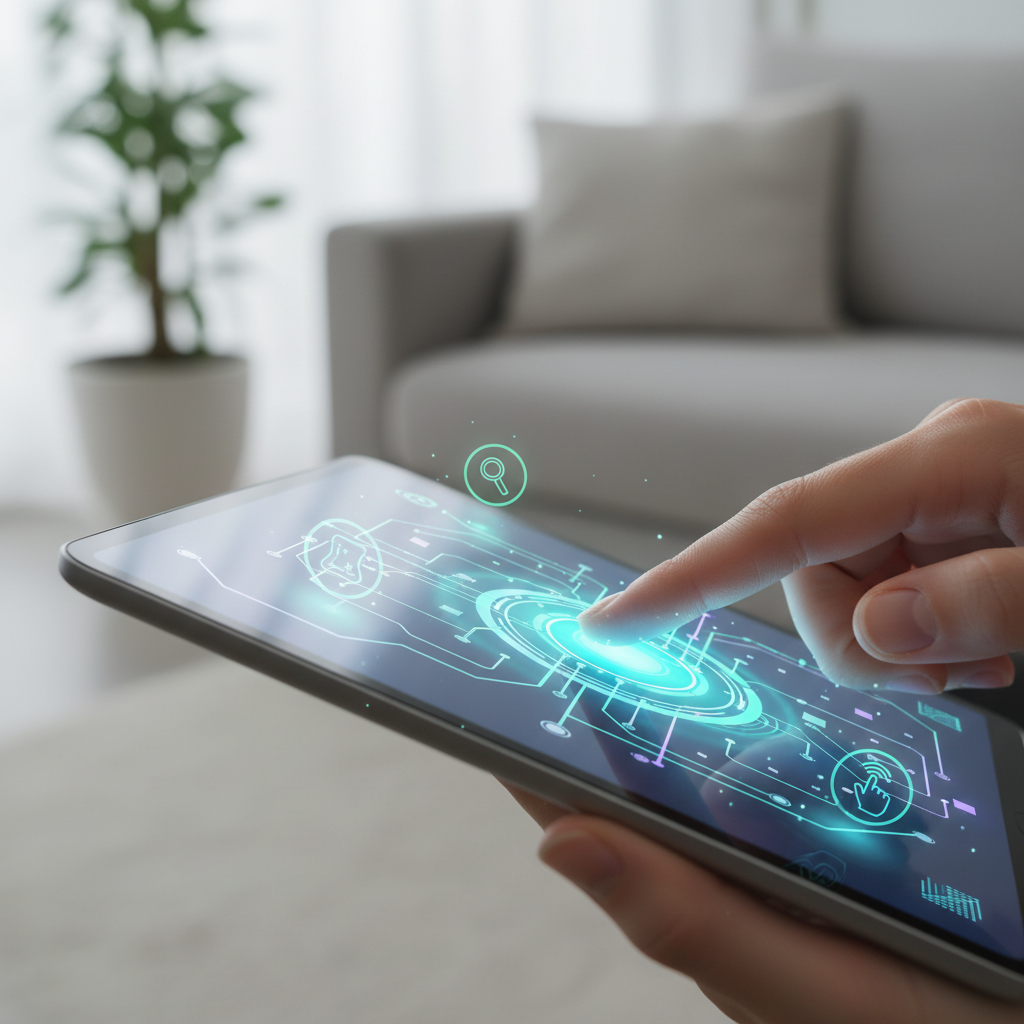 Capacitive touch screen technology has revolutionized the way we interact with devices, leveraging the electrical properties of the human body to register touch. By utilizing conductive materials beneath a glass surface, capacitive screens detect changes in capacitance when a finger approaches. According to a report by MarketsandMarkets, the global capacitive touch screen market is projected to grow from $12.26 billion in 2020 to $22.25 billion by 2025, reflecting an annual growth rate of 12.8%. This growth underscores the technology’s integral role in the rapid evolution of electronic devices, from smartphones to tablets and beyond.
The accuracy and responsiveness of capacitive touch screens stem from advancements in technology, such as multi-touch capability and improved sensitivity. A recent study found that devices with capacitive screens respond approximately 20% faster than resistive counterparts. This enhanced performance is crucial in applications requiring precise input, such as gaming or digital design. Furthermore, with the increased use of capacitive technology in various industries—including automotive and healthcare—the demand for user-friendly interfaces is becoming paramount, pushing manufacturers to innovate further in touch sensitivity and display quality.
Optimizing Touch Sensitivity for a More Responsive Experience
To optimize touch sensitivity on your capacitive touch screen display, begin by ensuring your device’s screen is clean and free of any debris. Fingerprints, dust, and smudges can significantly interfere with touch response. Use a microfiber cloth to gently clean the surface, resulting in a clearer view and improved responsiveness. Additionally, consider applying a quality screen protector designed specifically for capacitive screens. Some protectors enhance sensitivity while maintaining clarity, allowing for a seamless touch experience.
Another key factor in touch sensitivity is the calibration of your device. Many smartphones and tablets offer settings that allow you to adjust the touch sensitivity. Access these settings and experiment with the various levels of sensitivity to find what feels most responsive to your touch. Finally, remember that your fingers play a crucial role; using fingers rather than objects like styluses or gloves can enhance the natural response of the touch screen, as capacitive screens are designed to detect the electrical properties of human skin.
Through these simple tips, you can significantly enhance your overall interaction with your device.
Effective Cleaning Techniques to Maintain Display Clarity
Keeping your capacitive touch screen display clear and functional is essential for an optimal user experience. Effective cleaning techniques can significantly enhance display clarity and responsiveness. Begin by using a microfiber cloth, which is specifically designed to prevent scratches while effectively removing fingerprints and smudges. Dampen the cloth slightly with distilled water or a suitable cleaning solution, ensuring it is not overly wet, as excess moisture can damage the screen. Gently wipe the display in a circular motion to avoid streaks and achieve a sparkling finish.
In addition to proper cleaning methods, maintaining a clutter-free environment around the display can help prolong its life and performance. Avoid placing objects that generate dust or can cause scratches near the screen. Implementing a routine cleaning schedule, such as weekly maintenance, will help keep your touch screen in top condition. For added convenience, consider investing in devices with self-cleaning features, which can periodically remove contaminants with minimal effort, ensuring that your screen remains clear and functional for a smooth user experience.
Using Protective Accessories to Enhance Durability and Functionality
When it comes to enhancing the durability and functionality of capacitive touch screen displays, the use of protective accessories is paramount. Recent industry reports indicate that nearly 60% of smartphone users have experienced screen damage at some point, leading to costly repairs and decreased device longevity. Employing screen protectors, such as tempered glass or film options, can significantly mitigate the risk of cracks and scratches. Specifically, studies show that devices equipped with high-quality tempered glass screen protectors are 50% less likely to suffer from display damage compared to those without any protective cover.
In addition to screen protectors, using durable phone cases can further bolster the resilience of devices. According to a survey by Counterpoint Research, over 70% of consumers who use cases reported fewer instances of drop-related damage. Rugged cases that feature shock-absorbing materials not only protect against physical impacts but also enhance the overall grip and usability of touch screens. Moreover, incorporating accessories like stylus pens can improve the precision of touch inputs, making the user experience more enjoyable, particularly for tasks requiring detailed work. As capacitive touch technology continues to evolve, leveraging protective accessories will remain crucial for maximizing both the lifespan and functionality of modern displays.
10 Essential Tips for Enhancing Your Capacitive Touch Screen Display Experience
| Tip Number |
Tip Description |
Recommended Accessory |
Benefit |
| 1 |
Use a Screen Protector |
Tempered Glass Protector |
Prevents scratches and improves touch sensitivity |
| 2 |
Optimize Display Settings |
N/A |
Improves visibility in different lighting conditions |
| 3 |
Keep it Clean |
Microfiber Cleaning Cloth |
Removes dirt and smudges for better performance |
| 4 |
Use Touch-Friendly Gloves |
Touchscreen Gloves |
Allows use in cold weather without compromising touch |
| 5 |
Avoid Direct Sunlight |
Anti-Glare Screen Protector |
Reduces glare and reflections for better visibility |
| 6 |
Update Software Regularly |
N/A |
Ensures optimal performance and stability |
| 7 |
Utilize a Stylus |
Capacitive Stylus |
Increases precision for tasks like drawing or writing |
| 8 |
Secure Your Device |
Protective Case |
Prevents damage from drops and impacts |
| 9 |
Limit App Background Activity |
N/A |
Improves responsiveness and battery life |
| 10 |
Handle with Care |
N/A |
Reduces the risk of accidental damage |
Adjusting Display Settings for Comfortable and Efficient Usage
When optimizing your capacitive touch screen display experience, adjusting display settings is crucial for achieving both
comfort and efficiency. Start by fine-tuning the
brightness levels. A screen that is overly bright can lead to eye strain, particularly in
low-light environments, while one that is too dim can hinder visibility in bright surroundings. Many devices offer
adaptive brightness settings that automatically adjust based on ambient light. Taking advantage of this feature can
significantly enhance your viewing comfort throughout the day.
Another important setting to consider is the color temperature. Warmer tones can reduce eye fatigue during prolonged use,
especially during evening hours, while cooler tones might be more suitable during the day for clarity. Many devices also provide
options for blue light filtering, which can further alleviate discomfort caused by extended screen time. Additionally,
customizing font sizes and display layouts can make navigation easier and more pleasurable, ensuring that you can interact
with your device efficiently without straining your eyes or fingers. By fine-tuning these display settings, you can enjoy a more tailored and enjoyable touch screen experience.