How to Choose the Best Character LCD Display for Your Project?
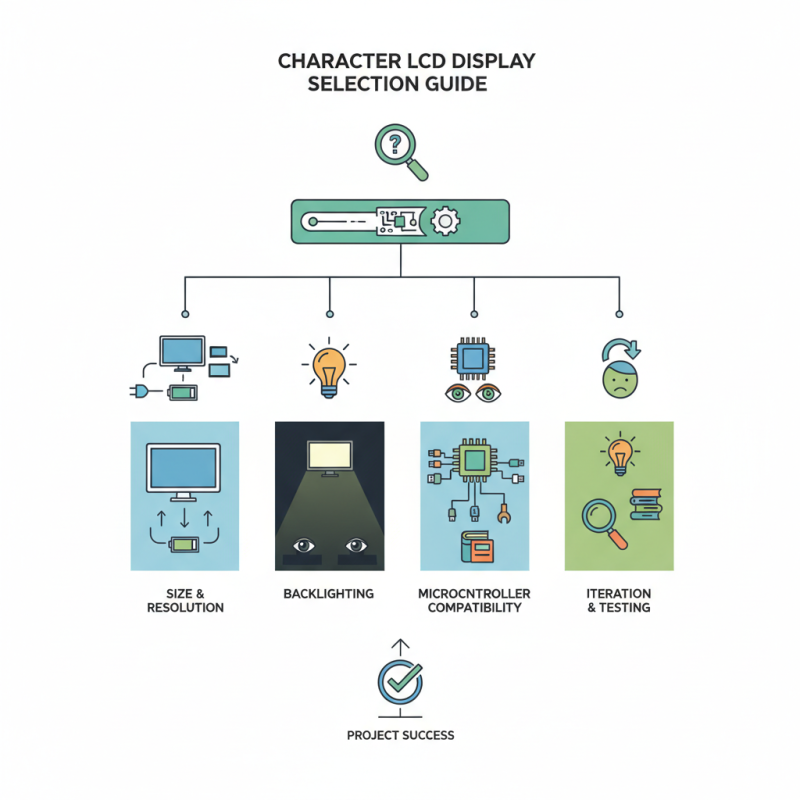
Choosing the right Character LCD Display is crucial for your project's success. These displays offer clear text and simple graphics, making them a popular choice in various applications. The vast array of options available can be overwhelming. However, understanding your project’s specific requirements can guide your decision.
When considering a Character LCD Display, think about size and resolution. A larger screen may enhance visibility. Yet, it could consume more power. Often, developers overlook the importance of backlighting. A well-lit display can improve readability in dim environments.
Keep in mind that compatibility with your microcontroller is vital. Some displays require specific libraries for integration. Testing different models may reveal frustrating quirks. Inevitably, you might face challenges that force you to reassess your choices. Be prepared to iterate on your selection process.
Understanding Character LCD Display Types and Technologies
When selecting a character LCD display, understanding the types and technologies is crucial. There are various types, including HD44780 standard and more advanced options. The HD44780 is a popular choice for many projects. It supports both 8-bit and 4-bit data modes. This flexibility allows customization based on your project’s needs.
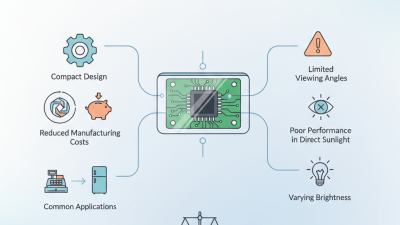
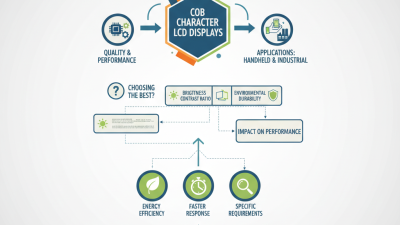
Technology also matters. Traditional character LCDs use a liquid crystal display. They rely on backlighting, which can vary in brightness and color. Recent innovations have introduced technologies like OLED, featuring better contrast and response times. Reports show that OLED displays have up to a 100,000-hour lifespan. This makes them ideal for long-term projects.
Tip: Always consider the environment. Some displays perform poorly in bright light. Test different types to find the best fit. For example, characters can fade in direct sunlight.
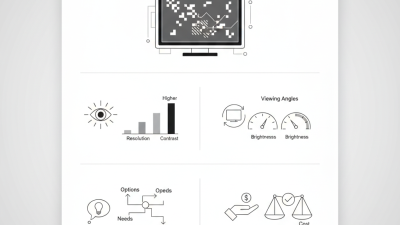
Tip: Evaluate resolution and pixel density. Higher resolution yields clearer text. This is especially important for projects that require detailed graphics. Concerning price, some high-resolution displays can be more expensive but may save costs in replacements.
When making a choice, reflect on your specific application. A complex project might need more than just basic features. Factors such as ease of integration and size specifications can influence the overall performance.
Key Specifications to Consider When Selecting LCD Displays
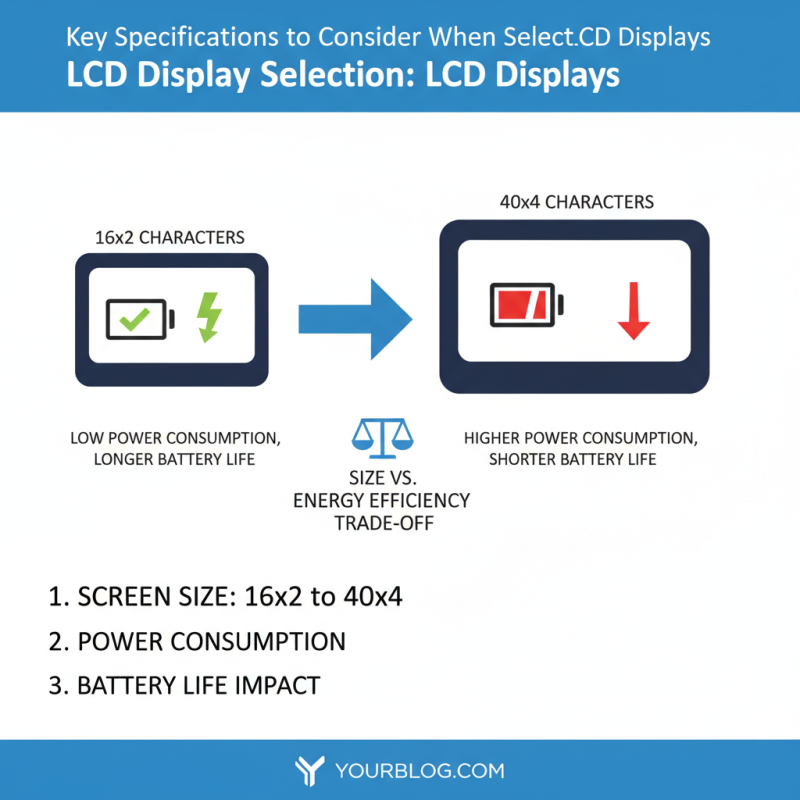
When selecting a character LCD display for your project, focus on key specifications. Screen size is crucial. Common sizes range from 16x2 to 40x4 characters. A larger display may require more power, impacting battery life. Understand the trade-off between size and energy efficiency.
Another important specification is the interface type. Most LCDs use either parallel or serial connections. Serial interfaces reduce the number of pins, simplifying connections. However, parallel interfaces may offer faster data transfer. Choose based on your project’s complexity and space limitations.
Tips: Always check the backlight options. An LCD with backlighting improves visibility in low light. Ensure the screen can be easily read under various lighting conditions. Consider temperature ranges, too. Some displays work poorly in extreme conditions. Remember, clarity and legibility matter most. Don’t overlook user experience. Test before finalizing your choice.
Evaluating Size and Resolution for Your Project Needs
Choosing the right character LCD display involves careful consideration of size and resolution. The size of the display is crucial for user interaction. A report shows that over 70% of users prefer displays larger than 16 characters wide for better readability. This preference is vital, especially in environments with varying lighting. A larger display enables the user to see more information at a glance, which is often necessary for real-time data applications.
Resolution plays a similar role. Higher resolution displays can show clearer text and graphics. According to industry data, displays with at least 240x128 pixels offer a significant improvement in legibility. However, higher resolutions often come with increased costs and power consumption. Projects with limited budget or power supply might struggle with this choice. Balancing these factors can be tricky. It invites reflection on whether aesthetics outweigh functionality or vice versa.
When designing a project, think about your audience. Are they tech-savvy? Will they appreciate advanced features or prefer simplicity? Don't overlook physical space. A larger display might not fit in constrained areas. Prioritizing the right size and resolution can be complex but is essential.
How to Choose the Best Character LCD Display for Your Project? - Evaluating Size and Resolution for Your Project Needs
| Display Size (inches) |
Resolution (pixels) |
Interface Type |
Backlight Type |
Viewing Angle (degrees) |
| 2.0 |
160 x 128 |
SPI |
LED |
160 |
| 2.4 |
320 x 240 |
I2C |
OLED |
160 |
| 2.8 |
240 x 320 |
Parallel |
LED |
140 |
| 3.2 |
480 x 320 |
SPI |
No Backlight |
160 |
| 4.0 |
480 x 272 |
UART |
LED |
170 |
Assessing Interface Options for Compatibility with Your System
When selecting a character LCD display, interface compatibility is crucial. Different displays offer various interfaces, including parallel, serial, and I2C options. The right choice depends on your project's microcontroller or processor. Ensure your chosen interface aligns with available pins and communication protocols.
Parallel interfaces provide fast data transfer but require more pins. This can complicate wiring and increase space requirements. On the other hand, serial interfaces, like UART, need fewer pins. They simplify connections and save space. However, they may result in slower data rates. Assess your project's specific needs carefully.
I2C interfaces are another option. They use two wires for communication. This can reduce pin usage significantly. However, multiple devices may share the same bus, leading to potential conflicts. If your project might expand in the future, plan accordingly.
Making a decision on the interface can lead to challenges. Balancing performance, complexity, and space is essential for your project's success.
Cost-Benefit Analysis: Budgeting for Character LCD Displays
When selecting a character LCD display for your project, budgeting is crucial. Character LCDs vary widely in cost, so understanding your project's needs is essential. Some displays are basic and affordable, while others have advanced features that drive up the price. Analyze what you truly need: is it backlighting, size, or additional characters per line?
Tips to keep in mind: Assess your budget early. Determine how much you're willing to spend. Look at your overall project costs. Allocating funds properly can save you money in the long term. Sometimes, spending more upfront on a quality display is worth it.
Balancing cost and functionality can be tricky. A cheaper LCD might require additional components, like controllers, leading to hidden costs. Compatibility is essential; ensure the display meets your requirements. Quality should not be sacrificed for a lower price. Research before making a decision. Keep an eye on your project's long-term goals. This helps avoid overspending or underperforming displays.