How to Choose the Best Black And White Lcd Display?
Choosing the right Black And White LCD Display can seem challenging. There are many options available in the market today. Not all displays are created equal. It’s crucial to understand your specific needs before making a decision.
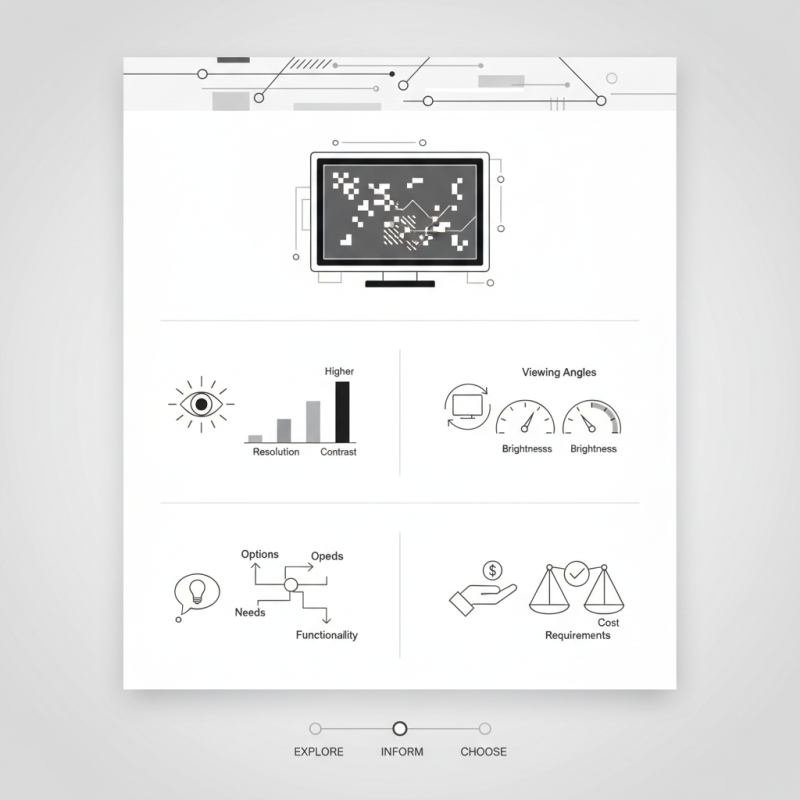
Consider factors like resolution and contrast. A higher resolution often leads to a sharper image. However, it’s not the only important feature. Viewing angles and brightness also affect usability. A display that looks good from one angle may falter from another.
You might find yourself overwhelmed by choices. It’s easy to fall for flashy features. But remember, functionality is key. Always reflect on what you truly need. A good Black And White LCD Display should meet your requirements without breaking the bank. Take your time to explore and make an informed choice.
Factors to Consider When Choosing a Black and White LCD Display
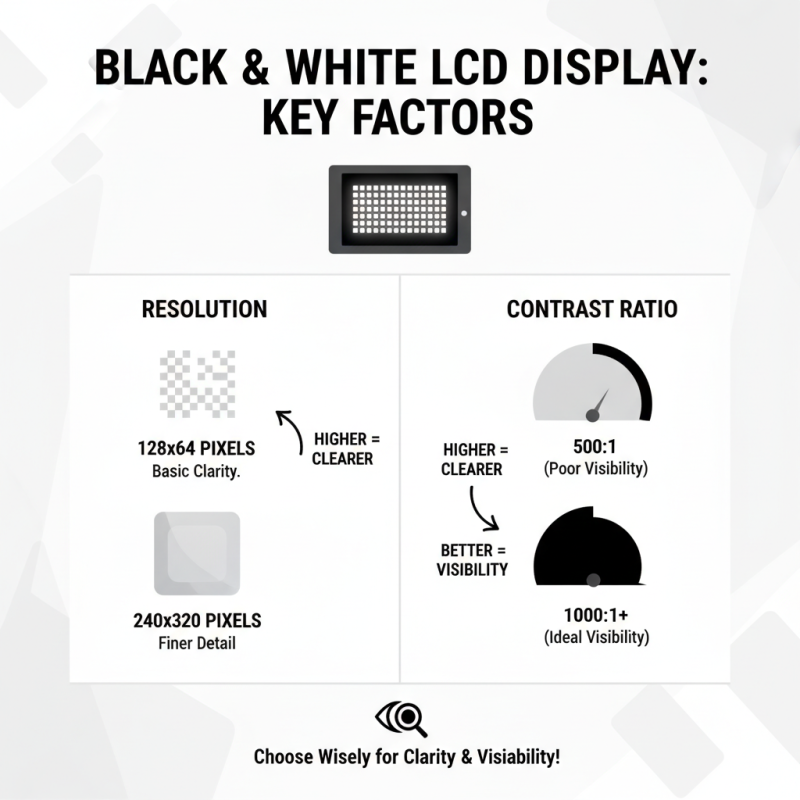
When choosing a black and white LCD display, several factors are crucial. The resolution is key. A display with a higher resolution offers clearer images. For example, a 128x64 pixel display is common for basic needs. However, a 240x320 pixel display can provide finer detail. The contrast ratio also matters. A better contrast ratio improves visibility in various lighting conditions. Studies suggest that a ratio of at least 1000:1 is ideal for most applications.
Consider the size of the display area. Smaller screens can limit the amount of information shown. A typical size for applications is around 2 to 4 inches diagonally. Yet, some projects might require larger displays for better user interaction. Another factor is power consumption. Efficient displays consume less energy. For portable devices, this can make a significant difference in battery life.
Tips: Always evaluate your specific needs. Would a higher resolution be necessary? Think about how the display will be used. If it’s for outdoor purposes, ensure it has sufficient brightness. Lastly, take note of how easy it is to integrate the display into your existing system. Not all displays fit well with every setup; compatibility is vital. Sometimes, it’s challenging to balance all these aspects, and prioritization may be required.
Understanding Resolution and its Impact on Display Quality
When choosing a black and white LCD display, understanding resolution is key. Resolution refers to the number of pixels on a screen. Higher resolution means more detail. A display with 800x600 pixels will show less detail than one with 1920x1080. It's essential to know that higher resolution can lead to better image clarity.
**Tip:** Check the pixel density. A high pixel density results in sharper images. Sometimes, a display might have a high resolution but low pixel density. This can create a blurry appearance.
Contrast also plays a vital role in display quality. It determines how well the display can show dark and light areas. A display with poor contrast may struggle to show details in shadows or bright highlights. This can make reading text difficult, leading to frustration.
**Tip:** Look for a display with at least a 1000:1 contrast ratio. This ensures clearer images. Not all manufacturers provide clear information about contrast. Researching user reviews can help uncover real performance.
Ultimately, resolution impacts how usable the display will be. You may find yourself squinting at low-resolution images. Choosing wisely can enhance your viewing experience greatly.
How to Choose the Best Black And White LCD Display? - Understanding Resolution and its Impact on Display Quality
| Display Size (inches) |
Resolution (Pixels) |
Pixel Density (PPI) |
Contrast Ratio |
Average Price ($) |
| 10 |
800 x 600 |
100 |
800:1 |
120 |
| 15 |
1024 x 768 |
85 |
1000:1 |
180 |
| 20 |
1280 x 1024 |
100 |
1200:1 |
250 |
| 24 |
1920 x 1080 |
92 |
1500:1 |
400 |
| 30 |
2560 x 1440 |
100 |
2000:1 |
600 |
Evaluating Size Requirements for Specific Applications and Use Cases
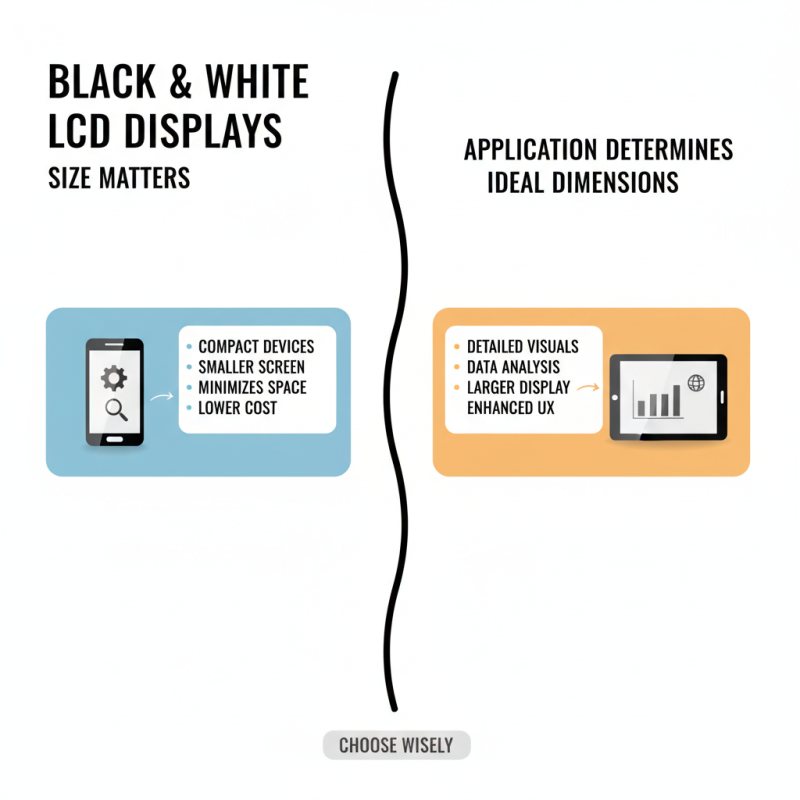
When choosing a black and white LCD display, size matters. Your specific application determines the ideal dimensions. For compact devices, a smaller screen is often sufficient. It minimizes space, driving down costs. However, for detailed visuals or data analysis, larger displays are essential. They provide clarity and enhance user experience. Selecting one that fits your needs can be challenging.
Consider where you will use the display. In a bright environment, size and visibility become crucial. A larger screen may be necessary to ensure readability. Think about your audience too. Will they stand close or far away? A display meant for close inspection needs less screen real estate. But, for wider viewing angles, a larger screen is vital.
Don’t rush your decision. Sketch out your layout first. Visualizing the space can reveal gaps. Sometimes, even popular sizes may not fit. It’s okay to rethink your choices. Take measurements and adjust accordingly. Balancing dimensions with functionality is key. Ignoring this could lead to unnecessary stress later on.
Comparing Contrast Ratios and Brightness Levels in LCD Displays
When selecting a black and white LCD display, contrast ratio and brightness are crucial. The contrast ratio defines the difference between the darkest and lightest parts of an image. A higher ratio offers better clarity, making details pop. For grayscale images, this is particularly important. However, it's not the only factor influencing image quality.
Brightness levels also matter significantly. A display with higher brightness can be viewed easily in bright environments. If you work in well-lit areas, this feature is essential. But be cautious, as overly bright screens can strain your eyes. Balancing these two specifications is not always straightforward.
It’s worth considering your specific needs. Some displays may excel in contrast but falter in brightness, or vice versa. Personal preference plays a large role as well. Your ideal display may differ from others' choices, leading to frustration. Take the time to test various models, if possible. Trust your eyes in this decision; they often tell the best story.
Assessing Energy Efficiency and Power Consumption in LCD Technology
When selecting a black and white LCD display, energy efficiency and power consumption are essential. Studies indicate that LCD displays consume 30-50% less power than traditional CRT monitors. This significant reduction can lower energy bills and lessen your environmental impact.
Power consumption varies with screen size and usage. A 15-inch LCD typically uses around 25 to 30 watts. A larger 24-inch model can require up to 60 watts. These figures can fluctuate based on brightness settings and display modes. Selecting an energy-efficient model can yield substantial savings over time. International energy standards recommend looking for displays with Energy Star ratings, which indicate better efficiency.
Beyond mere power consumption, consider the display's lifespan and performance in energy use. Some displays perform efficiently but may not last long, leading to increased waste and costs. Furthermore, evaluating the total cost of ownership can reveal hidden expenses related to energy consumption. Often, models that are cheaper upfront consume more power in the long run, leading to regret. Engaging in thorough research is critical to avoid such pitfalls.
Energy Efficiency Comparison of Black and White LCD Displays
This chart illustrates the power consumption of various black and white LCD displays, providing insight into their energy efficiency. Lower power consumption values suggest a more energy-efficient display model.